Geometry Dash Razorleaf
Geometry Dash Razorleaf
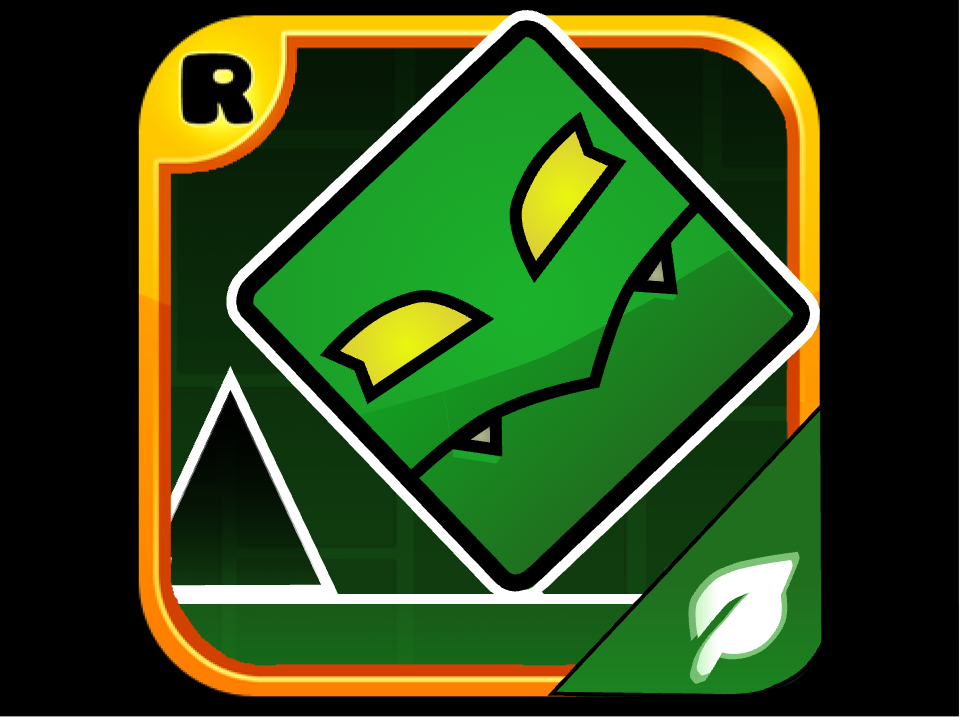
Geometry Dash Razorleaf brings you three new levels based on the original Geometry Dash game! Take a leap of faith and reach the end of the level unscathed!
The Vibrant World of Geometry Dash Razorleaf!
Yet Another Excellent Geometry Dash Fan-made Game!
Geometry Dash Razorleaf is a unique and gripping arcade game based on the popular series Geometry Dash. This fan-made game is brought to you by Eplecentra, one of the co-creators behind Geometry Dash Breeze, along with Andrexel and ItzZyann, But programmed by -HYPERBLAST-, me! With three brand new levels of various difficulties, expect to have a series of narrow jumps as you lead the tiny square character through a series of obstacles! Unlock new icons and colors after completing each level, and customize your character to your liking!
Geometry Dash: One of the Most Popular Arcade Games of All Time
Geometry Dash, the original game that Geometry Dash Razorleaf is based on, is one of the most popular arcade games of all time. Since first appearing in 2013, the game has gained a large and enduring fanbase, which continues to keep the game going strong with countless user-generated levels. Recently, after seven years of waiting, the game received Update 2.2 with countless interesting features that will make it even better than before!
The main gameplay of Geometry Dash revolves around taking control of a cube character with only one button who continues to move forward automatically. In each level, the goal is to navigate through the obstacles until it reaches the end of the level. As simple as it sounds, it is no easy task to find the right timing to jump every time, especially when the levels get harder and harder. In addition, the form of the character changes after it passes through certain portals. The controls for each form also become slightly different. For example, in Ship form, the character flies up when the button is held, while in Ball form, the character switches gravity when the same button is pressed.
Update 2.2 introduces a completely new gameplay mode, which are the platform levels. In these levels, the character is no longer only capable of moving forward automatically; instead, it can now move to the sides and jump upward. The platform levels also utilize existing features of the classic levels, including pads, rings, and portals.
Geometry Dash Razorleaf: How to Begin
As a level begins, the character will move forward automatically. The player can use one button to make the character jump or go upward, depending on which form it is in. To complete a level, the character needs to reach the end of the level without crashing into any obstacles along the way. In addition, the player’s progress within the level resets as soon as the character collides with an obstacle. If the player is confident in their skills, they can try to uncover the three secret coins in each level.
Just like in the original game, Geometry Dash Razorleaf features two game modes: Normal and Practice. Normal Mode works essentially the same as what has been mentioned above, while Practice Mode allows the player to place checkpoints throughout the level. However, to truly complete the level, the player still has to play it in Normal Mode.
All Levels Available in Geometry Dash Razorleaf
In general, the levels of Geometry Dash Razorleaf have a common theme: nature. In Leafwood Forest, the character progresses through a mysterious forest full of dangerous creatures, while in Aurora Theory, the changes in lighting and color scheme are reminiscent of the aurora phenomenon. With Ocean Paradise Planet, the player already knows what to expect based on the level’s name!
All levels have already been sorted in order of increasing difficulty, so it is recommended that the player progress through these levels one by one. However, you should expect that these levels can be a bit more challenging than those of the same difficulty in the original Geometry Dash!
Comments
Log in with itch.io to leave a comment.
Thanks to Cyciest for inspiration on adding my games here!
Link to Cyciest's page